
Connecting MemberSuite and GoToWebinar with Data Sangria

Webinar registration may seem simple. However, it can quickly create extra work when registration and webinar delivery happen in separate platforms.
The Federal Laboratory Consortium for Technology Transfer (FLC) wanted to simplify that process. FLC selected MemberSuite as its association management system and needed to connect it with GoToWebinar.
Data Sangria will provide the integration layer between the two platforms. As a result, webinar registration data can move from MemberSuite to GoToWebinar automatically.
Using MemberSuite as the Source
For this integration, MemberSuite will serve as the source for webinar registrations.
FLC will create each free webinar as an event in MemberSuite. The organization will also create the corresponding webinar in GoToWebinar.
Next, FLC and the implementation team will establish an event naming convention. Data Sangria will use that convention to identify the correct events. Then, it will match each MemberSuite event with the appropriate webinar in GoToWebinar.
This approach gives the integration clear rules to follow. More importantly, staff will not need to manually move registrations between the two platforms.
Automating Webinar Registration
Once the integration is running, Data Sangria will check MemberSuite for new registrations every 10 minutes.
When it finds a new registration, Data Sangria will send the required information to GoToWebinar. That information will include:
- First name
- Last name
- Email address
- The applicable event or webinar identifier
Data Sangria will also check for duplicates. Therefore, processing the same MemberSuite registration more than once will not create duplicate GoToWebinar registrations.
Ultimately, this workflow creates a consistent path between the two systems. Staff can manage webinar registration in MemberSuite while Data Sangria handles the connection in the background.
Building for the Actual Business Need
An integration does not always need to move every piece of information in both directions.
In this case, FLC needs a specific workflow. Registration information needs to move from MemberSuite to GoToWebinar.
For that reason, the current integration will not send attendance data back to MemberSuite. It also will not track whether someone attended the webinar.
This focused approach helps keep the integration simple.
First, the team defines the business need. Then, it identifies the source and destination systems. Finally, the integration handles the fields, timing, and rules required to support that process.
Keeping MemberSuite and GoToWebinar Connected
Organizations often rely on several platforms to support their programs. The challenge comes when those platforms operate separately.
Data Sangria helps close those gaps by keeping information moving between systems.
For FLC, the MemberSuite and GoToWebinar integration creates a direct path for webinar registration data. It also reduces the need for staff to repeat the same process across multiple platforms.
In the end, the integration handles a routine process automatically. That gives staff more time to focus on their webinars, members, and other priorities.
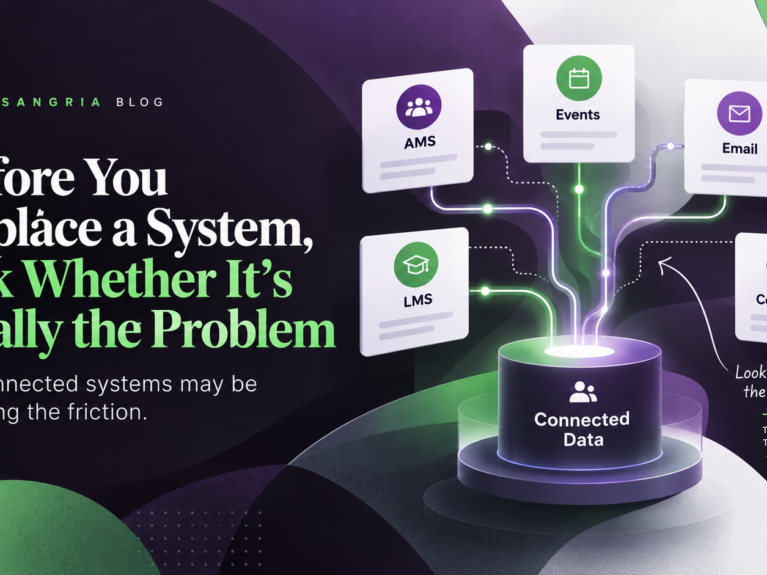
As associations plan for 2027, it’s tempting to assume that technology frustrations require new platforms. But what if the real problem isn’t the software itself? Explore how disconnected systems, manual processes, and inconsistent data can influence technology decisions.
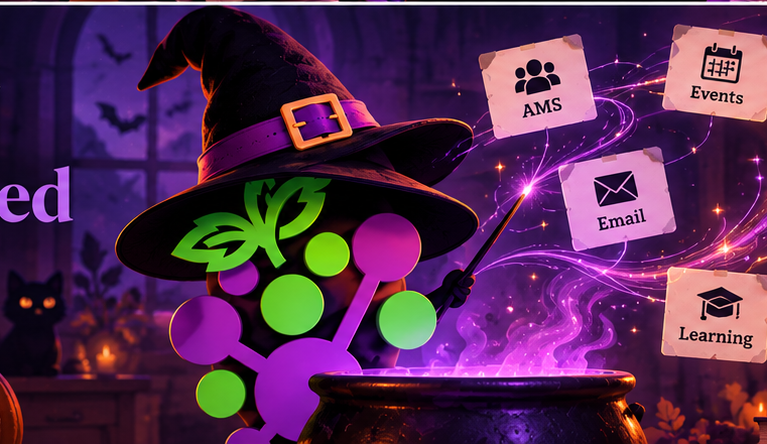
Your AMS, event platform, email system, and other tools may all hold useful member data — but if they are not connected, staff are left piecing the story together manually. Here are the signs your systems may need better integrations.
NCPG is using Data Sangria to connect Cvent and YourMembership, bringing event registration and profile data back into the AMS while helping prevent duplicate records.